


Whether you’re looking to attract clients or grow your audience as an artist, having a photography website is a great way to showcase your work. You can use various website builders to design what you need today, and social media is another popular place for photographers to grow their audience.
WordPress is one of the most established website building platforms, but you may be worried that it is not that easy to use. Fortunately, it’s very easy to use both WordPress.com and WordPress.org as a photographer.
Search engine optimization is a useful way to build your audience as an artist without social media. A number of factors can influence where you rank in Google and other search engines, including your domain authority and the keywords you use. WordPress offers a good set of SEO tools that can help you get to page 1 faster.
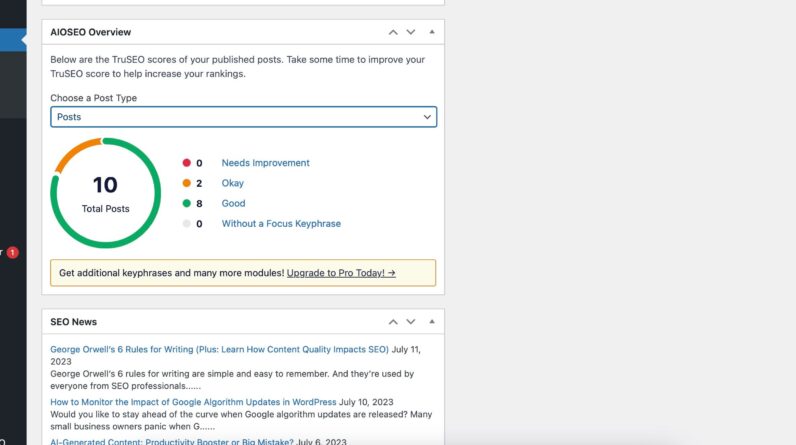
When it is used WordPress to share your photography work, you can use several tools to better optimize your site. One of the most popular features is Yoast SEO, which provides feedback to improve your page ranking. For example, if you forgot to add internal links, you can see a warning telling you so.
You can also use AIOSEO, which shows you which pages and articles are well optimized, as well as those that need improvement. Both tools have premium plans, but the free versions are good enough for beginners.
2. More website customization options
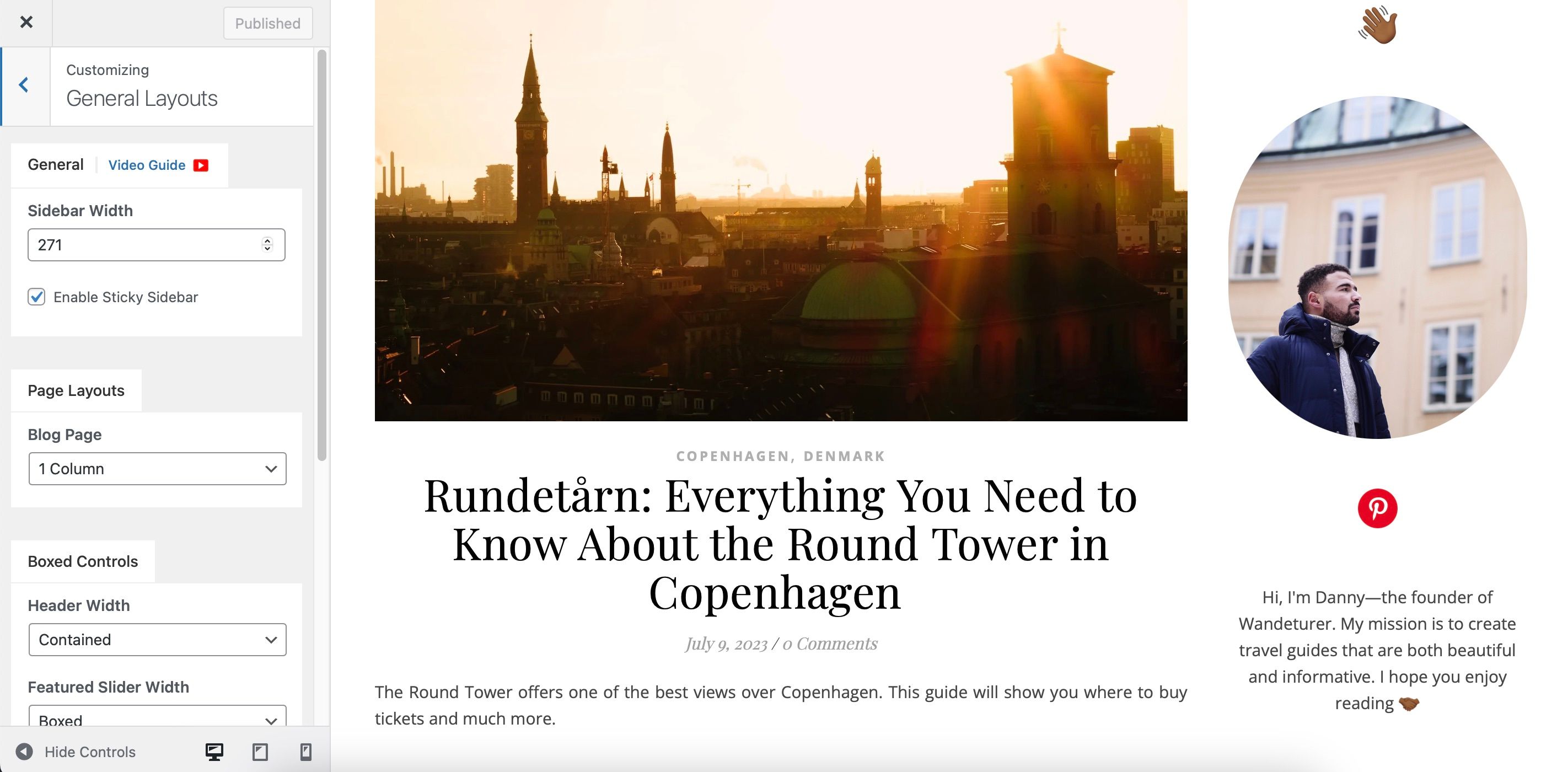
Photography is a competitive space, and thinking about how you will stand out is essential. The easiest way to do this is to be your authentic self and your website should reflect your personality. WordPress is one of the best options for customizing your website as a photographer.
When you use WordPress, you can customize your website’s branding colors, along with your logo and what your menu looks like. Additionally, you can choose whether you want sidebars and where your social media profiles appear.
WordPress also allows you to customize a large number of themes. We have a full guide on how to customize your WordPress theme if you want to learn more about it.
3. Choose from several responsive themes
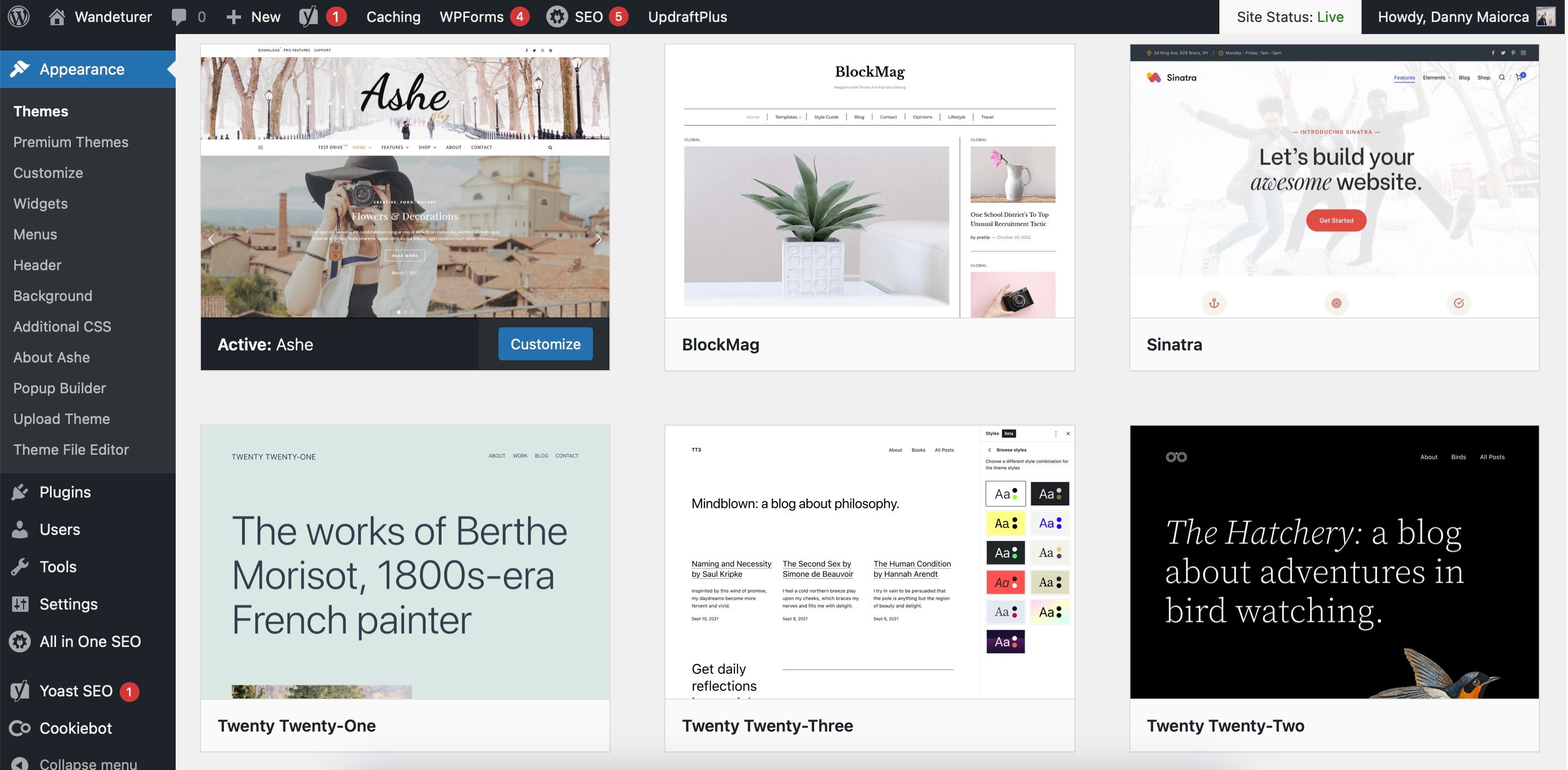
Perhaps the most important thing that WordPress is known for is the different themes available. You can choose from a wide selection on their market and there is a good set of free and paid options. Some themes also have free tiers, with more options available if you purchase them outright.
As a photographer, aesthetics are naturally important. However, you are putting yourself at a huge disadvantage if your website is not responsive. If your pages don’t load properly and people have to wait a long time before everything looks the way it should, they’ll probably click somewhere else.
The good news is that WordPress has several responsive themes available. You can look at what others have said about the themes to make a better decision, and WordPress itself has released a variety of responsive themes for photographers.
You may have to experiment, but try to find something that balances looks and functionality. If you have programming experience, you can make your website responsive with CSS and JavaScript.
4. More space to learn useful skills

While you need to take good photos as a photographer, this is only one part of the puzzle if you want to achieve success. Stacking useful skills is crucial for anyone looking to increase their online presence as a creator, and WordPress offers plenty of room to learn useful skills.
Perhaps one of the criticisms some people may have of WordPress is that the learning curve is often steeper than with other website builders. While this is true, you will reap the benefits in the long run because you will have learned useful skills.
When using a WordPress site as a photographer, you need to think more carefully about SEO and what good website design looks like. And while it’s no longer necessary, you can even build up some coding experience, which can come in handy if you want to expand your services later.
Fortunately, there are several online courses for learning WordPress. So you should have the basics down faster if you want to learn.
5. Electronic commerce options
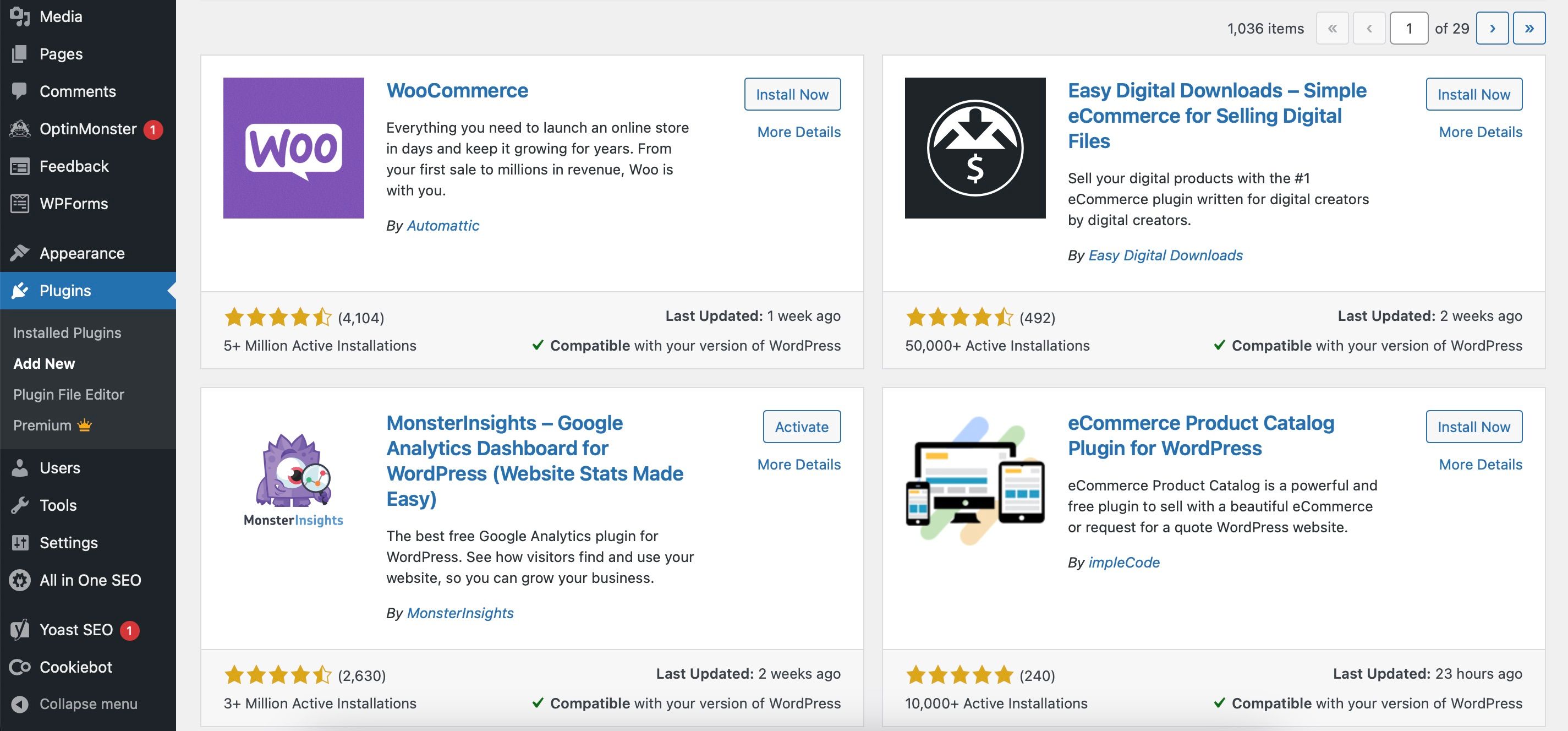
As your photography presence grows, you may want to go the route of selling your prints. You may also want to sell other products, such as guides and books. If you’re willing to put in the extra work required to run an e-commerce website, WordPress is a good choice.
Although you will have to pay more for a subscription, some of the higher WordPress plans include online shopping capabilities. You can also choose from numerous plugins to help connect your website to various stores, such as WooCommerce. There are also some great WooCommerce alternatives for WordPress if you want to look elsewhere.
6. Affordability
When building your photography website, price is an important aspect to consider. WordPress is the winner compared to many alternatives in this regard.
If you want to use WordPress.com without a custom domain, you can do so for free. Likewise, WordPress.org itself doesn’t cost money either, and as mentioned above, you can choose from a number of free templates.
Of course, you’ll have to pay more for custom domains and other features like domain protection. However, you can get them at a reasonable price. Bluehost and SiteGround are two hosting platforms you can check out.
7. Use WordPress plugins
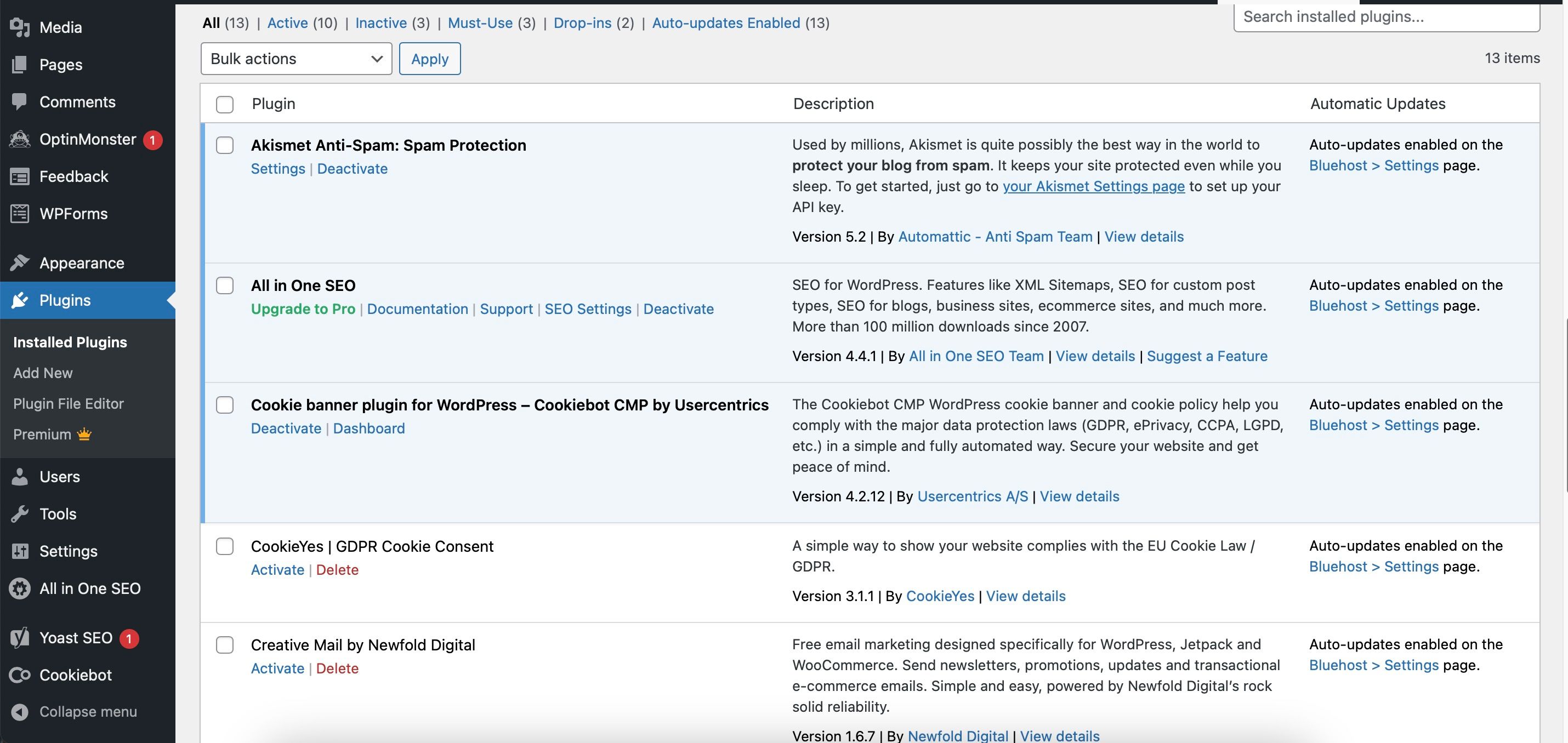
You can use various WordPress plugins to help your photography website run more efficiently. For example, you can download anti-spam software to block annoying and potentially harmful comments. Additionally, you can set cookie permissions to comply with local data regulations.
Meanwhile, plugins like Elementor can make your site more user-friendly. If you don’t know where to start, consider looking at these WordPress plugins that every beginner should install.
8. WordPress is easier to use than before
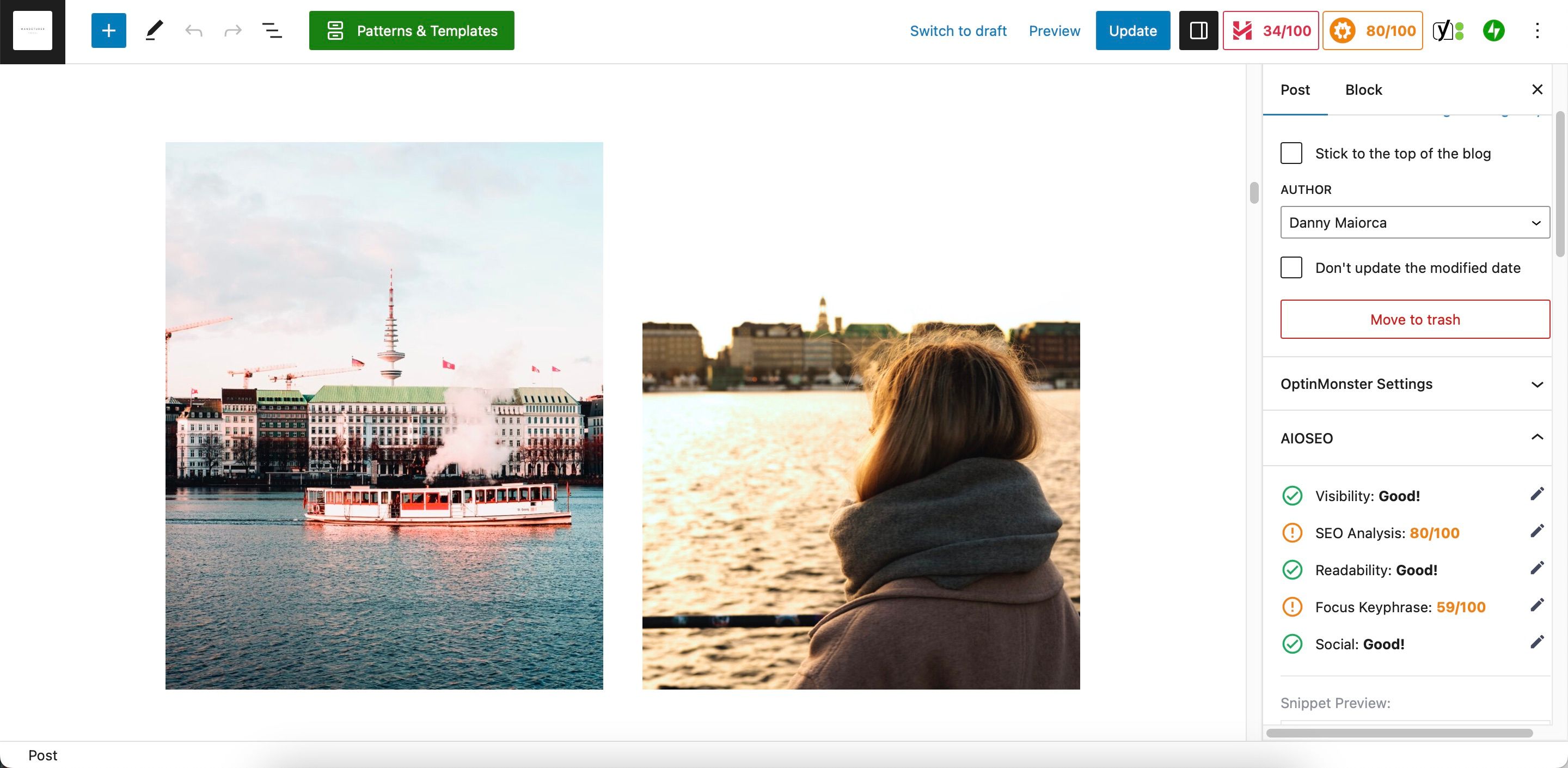
You may remember WordPress being clunky and difficult to use. This, however, is no longer the case. One tool you’ll find particularly useful is the block editing feature, which allows you to add individual images and galleries to your pages without too much trouble.
The block editing feature also makes it easy to add paragraphs and headings, and for many topics, you also hope you won’t see any odd spaces you don’t intend.
WordPress is efficient and scalable for creating a photography website
While you can always switch website builders later, choosing the right platform as a photographer will save you a lot of manual work down the road. Each service you choose has pros and cons, but WordPress is one of the most scalable options you can try.
With WordPress, you can install multiple plugins and customize your themes more than is possible on many other sites. In addition, you can use various SEO tools and integrate e-commerce options when necessary.
[ad_2]
Source link





