


Thanks to the continuous growth of ChatGPT’s plugin store, there are always new ways to use ChatGPT and AI at work.
But how do you get the most out of each ChatGPT plugin?
With over 550 to choose from, it can be hard to get a real sense of each plugin’s benefits from its 100-character description in the plugin store.
Fortunately, we can help.
Here’s how to use the latest ChatGPT plugins for work-related tasks and beyond, from selecting the right one to getting ChatGPT to tell you how to use it effectively.
Access the ChatGPT plugin store
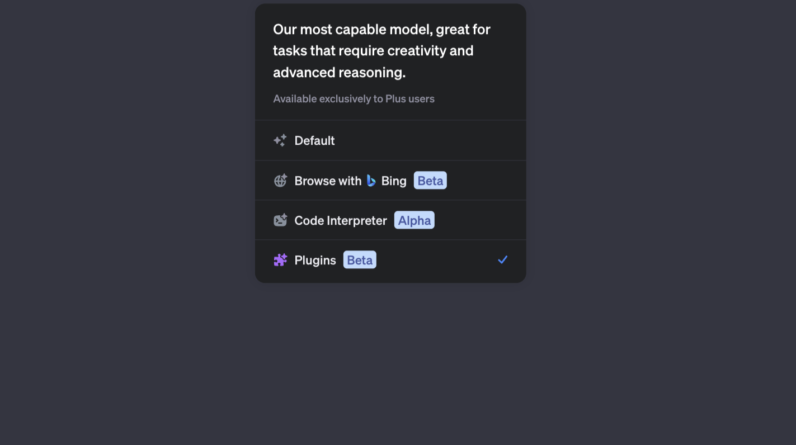
Only ChatGPT Plus subscribers have it access to GPT-4 connectors.
Screenshot from ChatGPT, June 2023
You can find the ChatGPT plugin store via Plugins (Beta) in GPT-4.
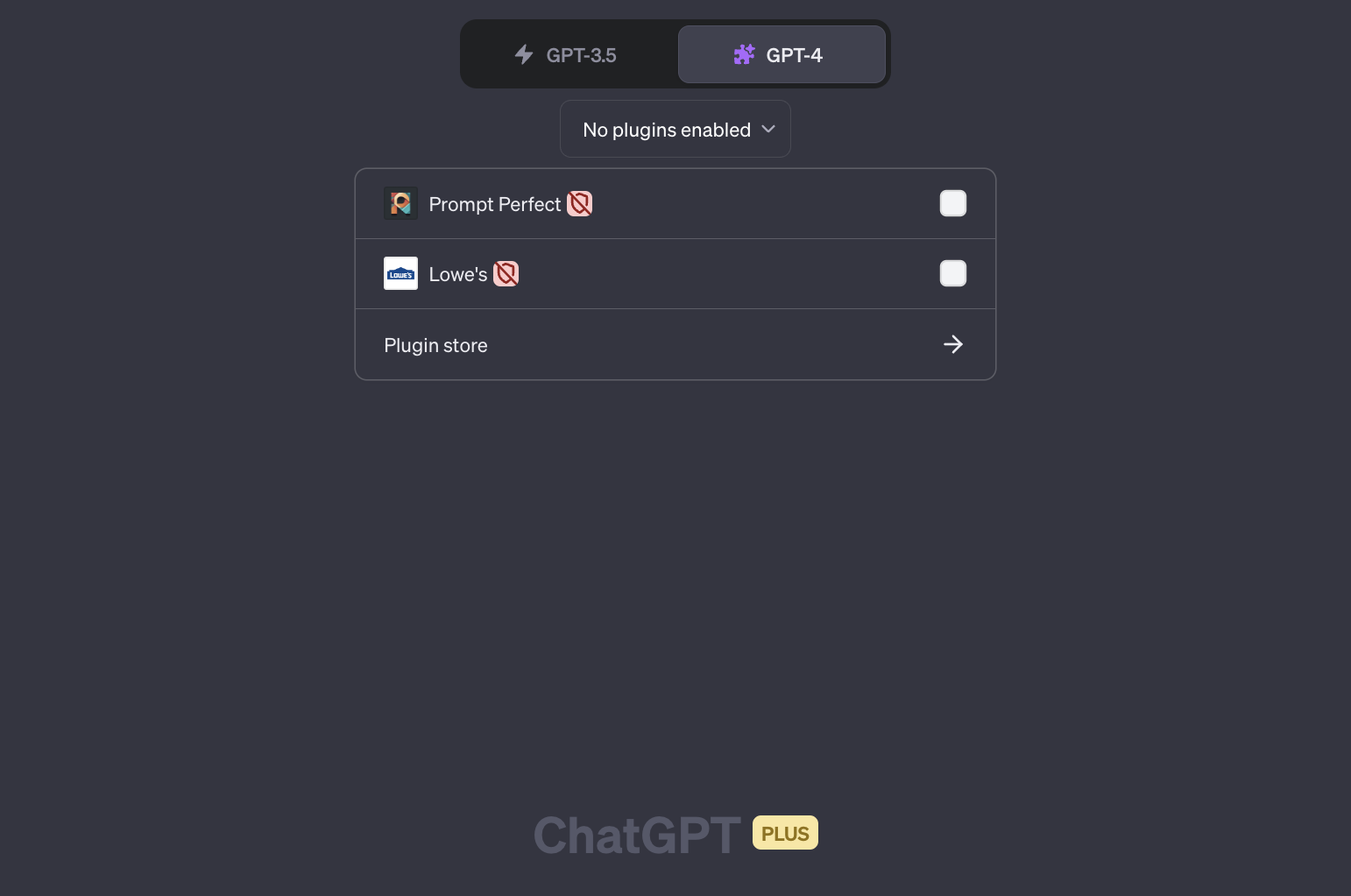 Screenshot from ChatGPT, June 2023
Search ChatGPT plugins by keyword
Until OpenAI categorizes the plugin store, there are two ways to find new plugins to try. You can browse all ChatGPT plugins, new and popular.
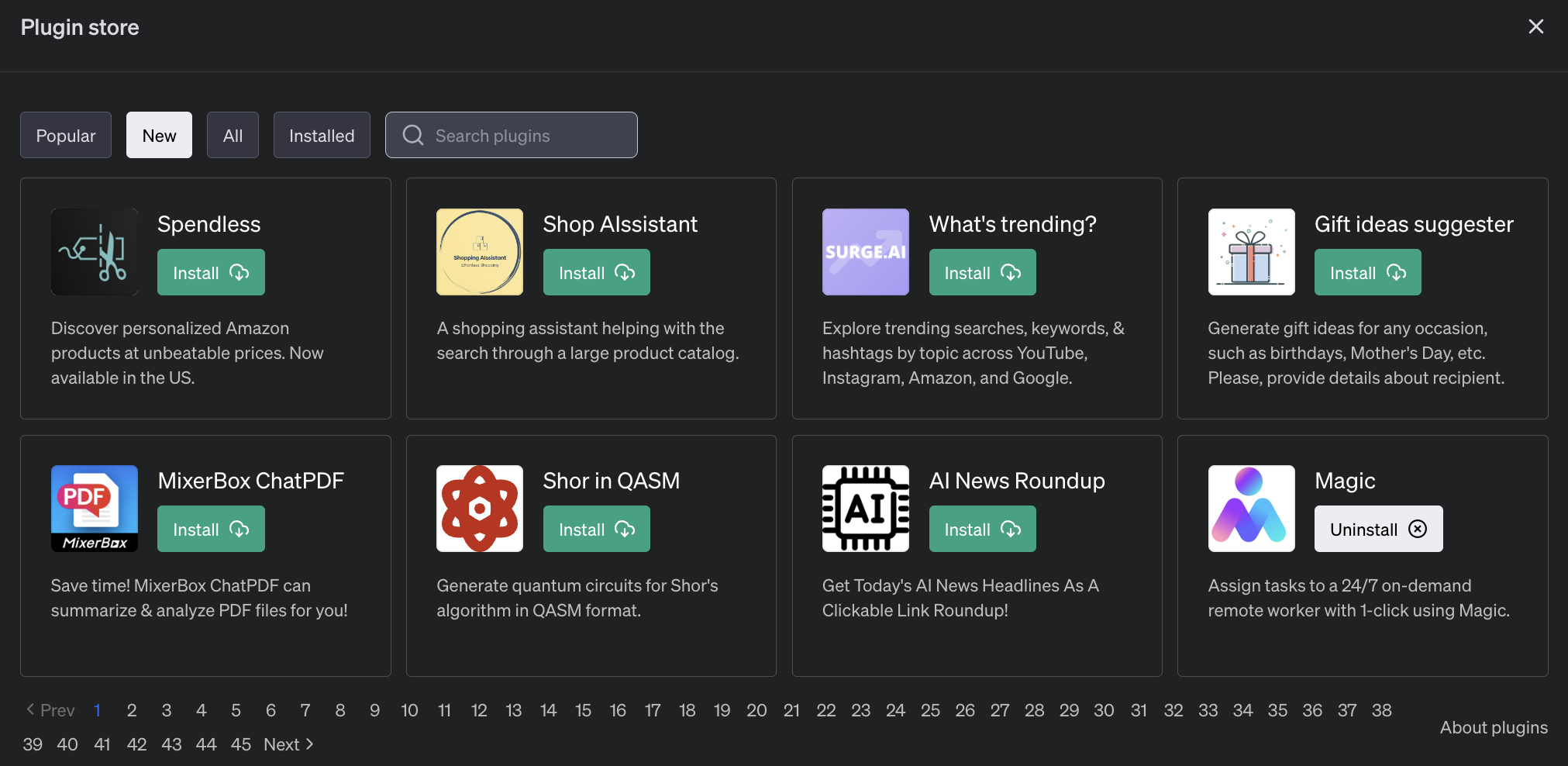 Screenshot from ChatGPT, June 2023
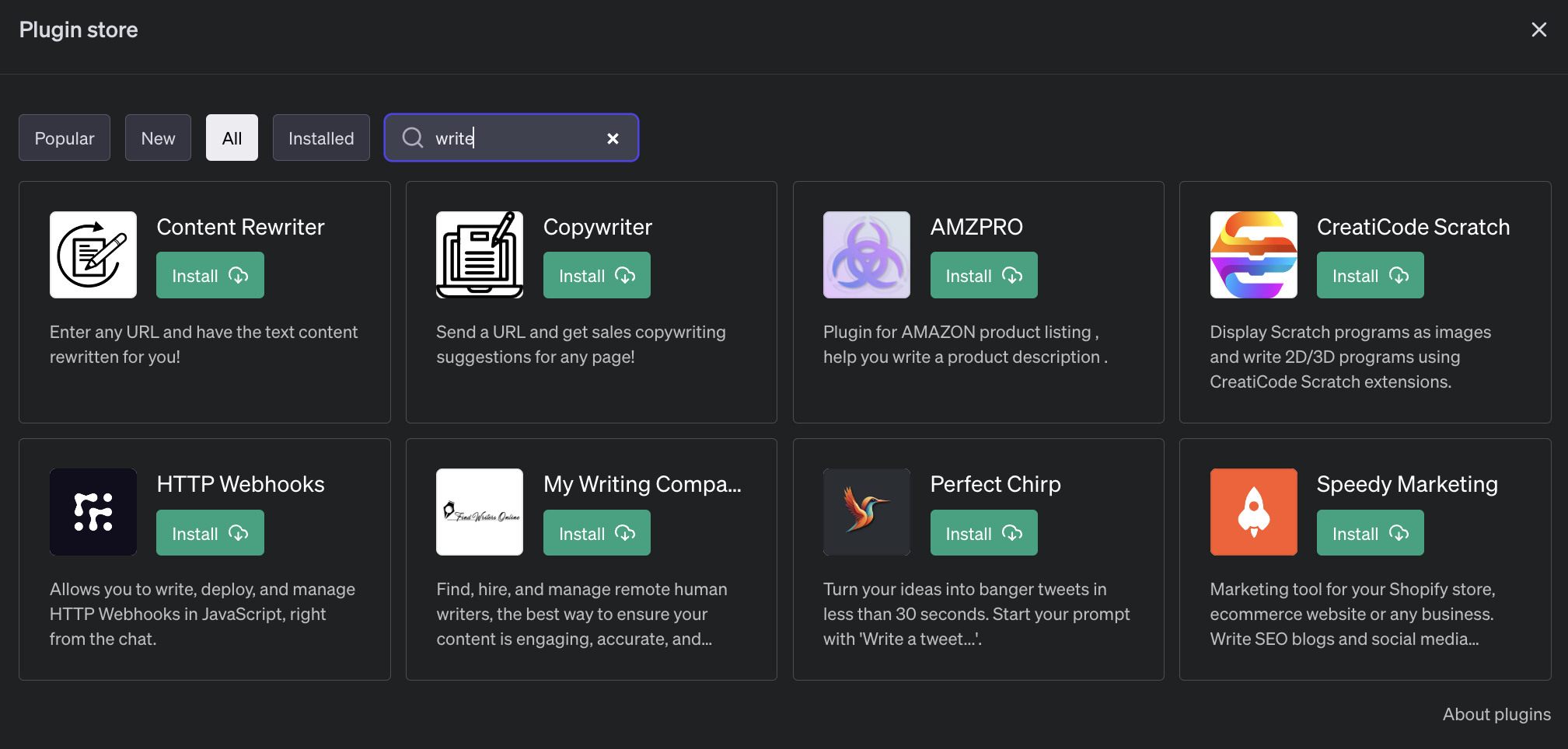
Or, you can use the search to find plugins by keyword.
 Screenshot from ChatGPT, June 2023
Note that search results only return plugins with the exact keyword in the plugin name or description. Plugins with similar names or functionality are not included.
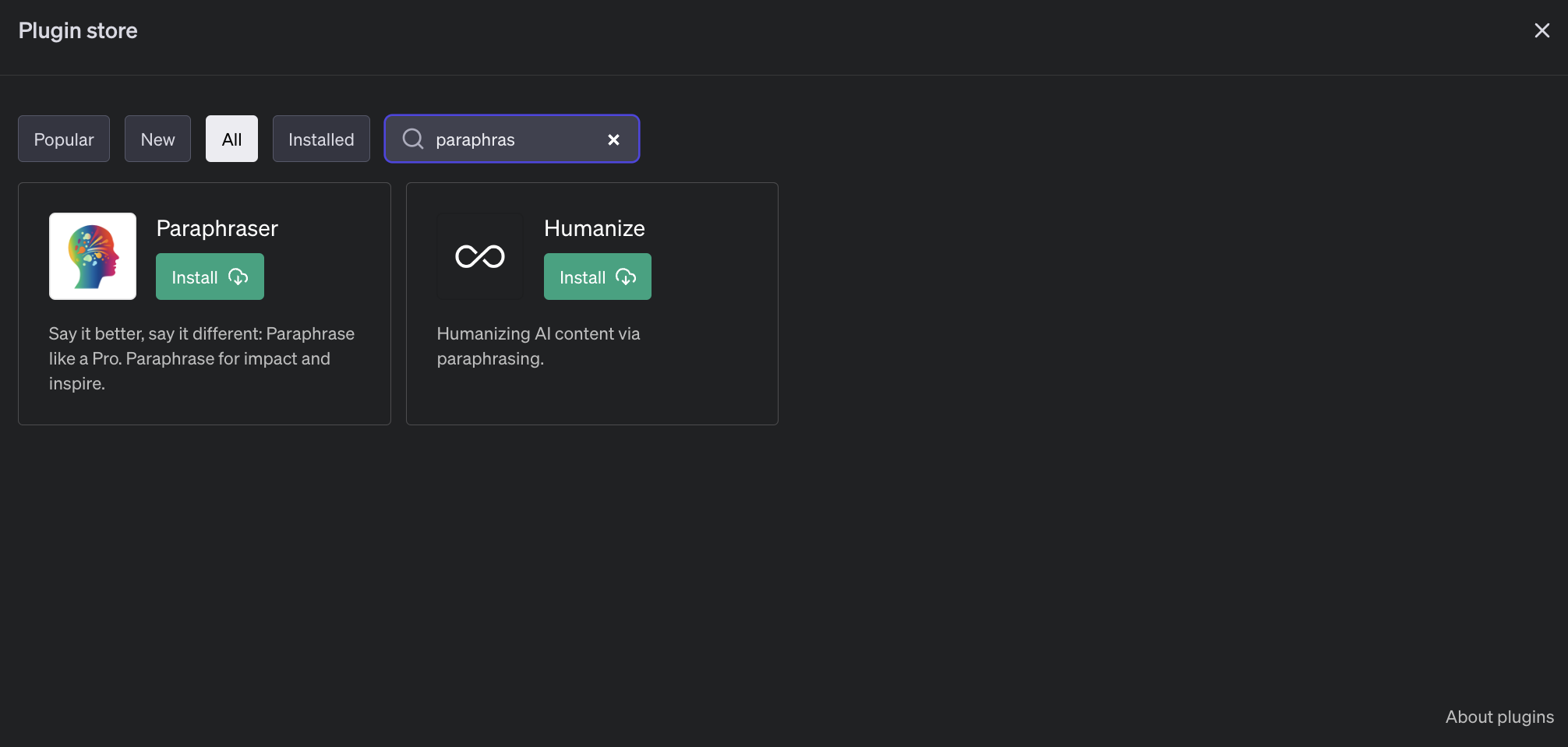 Screenshot from ChatGPT, June 2023
If you can’t find any plugins, try searching for related keywords or functionality types. Chances are there’s something out there with the capabilities you need.
Install the ChatGPT plugins
You can install one or more plugins by clicking the Install button next to each one. Although ChatGPT limits you to a maximum of three plugins per chat, you can install as many plugins as you like.
When you click Install, two things could happen. The plugin can be installed instantly, or you can be redirected to a third-party website to create an account to use the third-party service together with ChatGPT.
The Reflect Notes app, for example, redirects you to create an account and asks you to authorize ChatGPT with your account.
 Screenshot from Reflect.app, June 2023
Once the app is installed and connected to any required third-party accounts, you can use the plugin in ChatGPT.
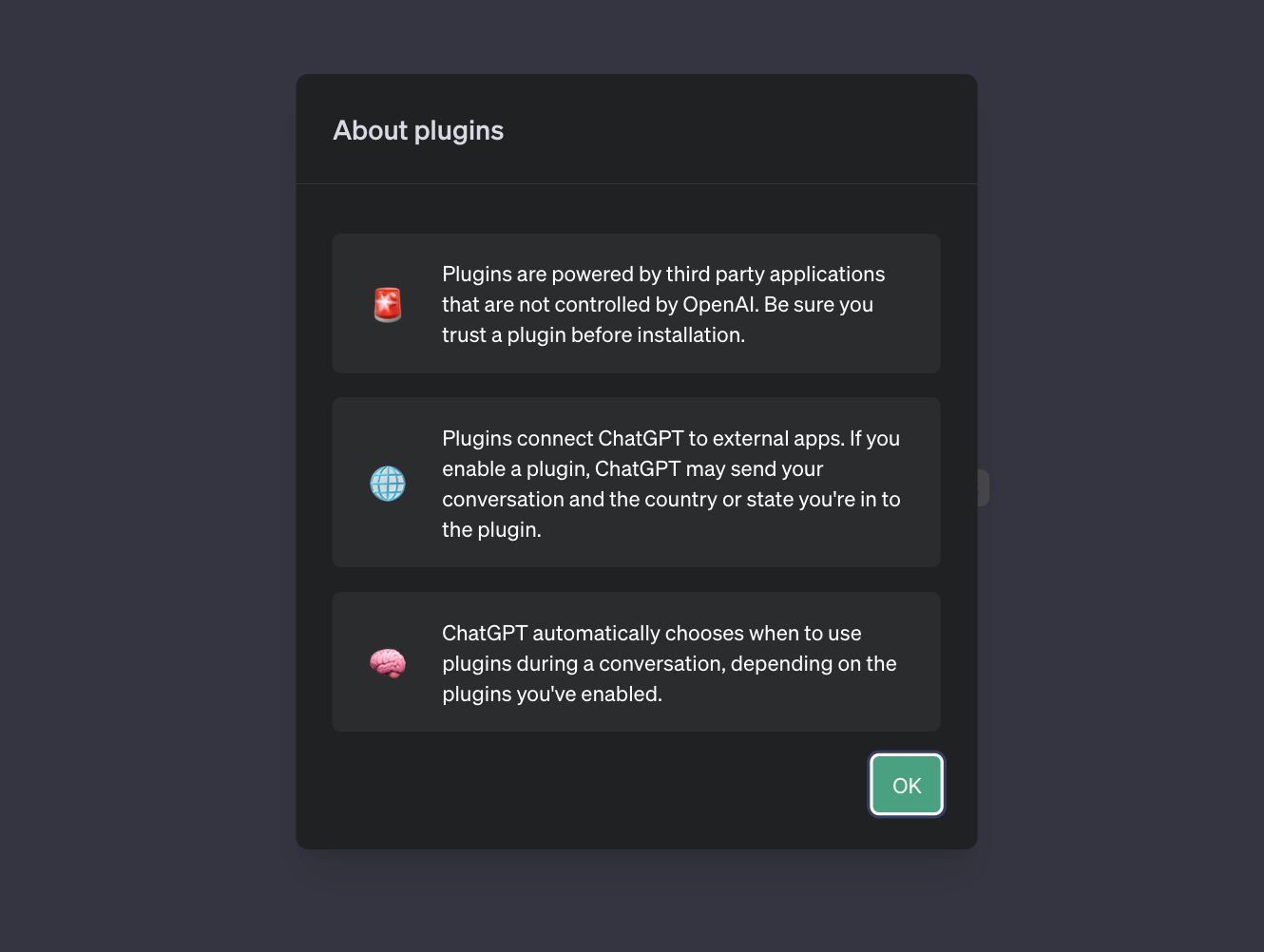
While OpenAI checks plugins for conflicting usage usage policiesit is up to you to investigate third-party ChatGPT plugins as you would WordPress plugins or Chrome extensions before giving them access to your credit card or data.
 Screenshot from ChatGPT, June 2023
A quick web search for most plugins will yield an official website, media mentions, or directory listings with more details.
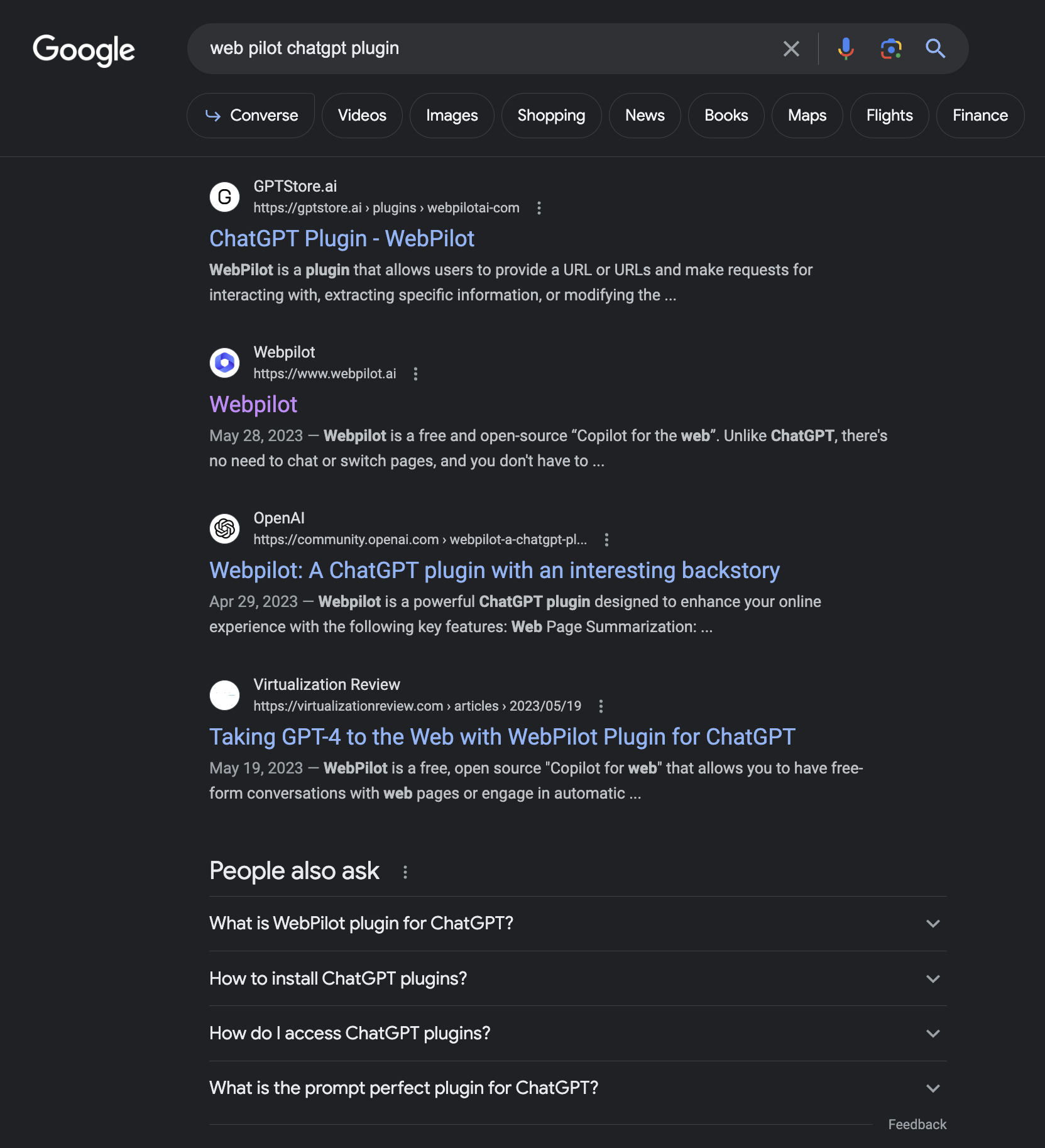 Screenshot from Google, June 2023
Ask ChatGPT for directions
If you’re not sure what to do with your new ChatGPT plugin, you can ask for suggestions. Start by activating the plugin in a new chat with a check mark.
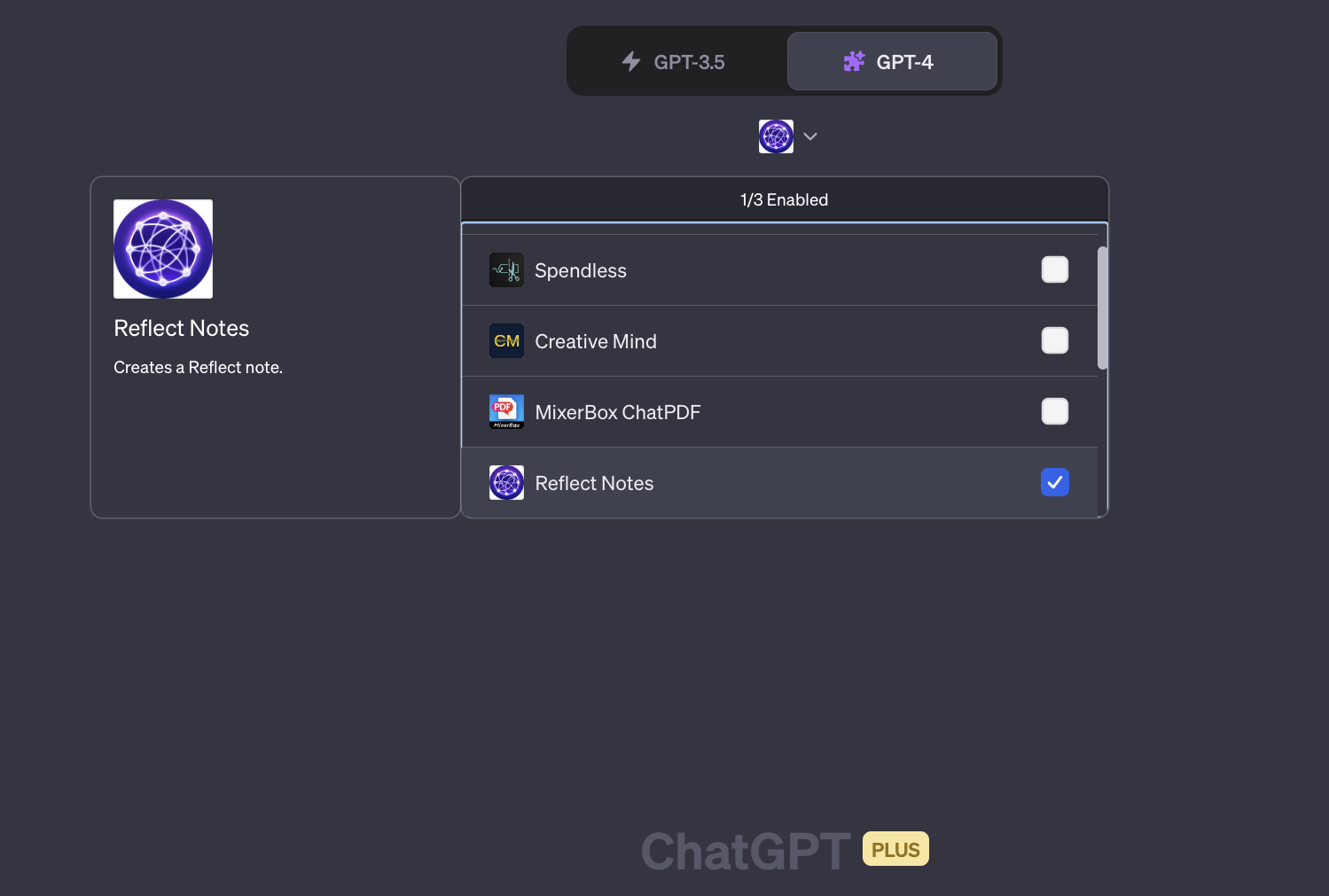 Screenshot from ChatGPT, June 2023
Once you’ve activated the plugin, ask ChatGPT for guidance on your next steps.
You can ask for information on how to use the plugin or ask for advice on how to use it for a specific task, whether broad or specific.
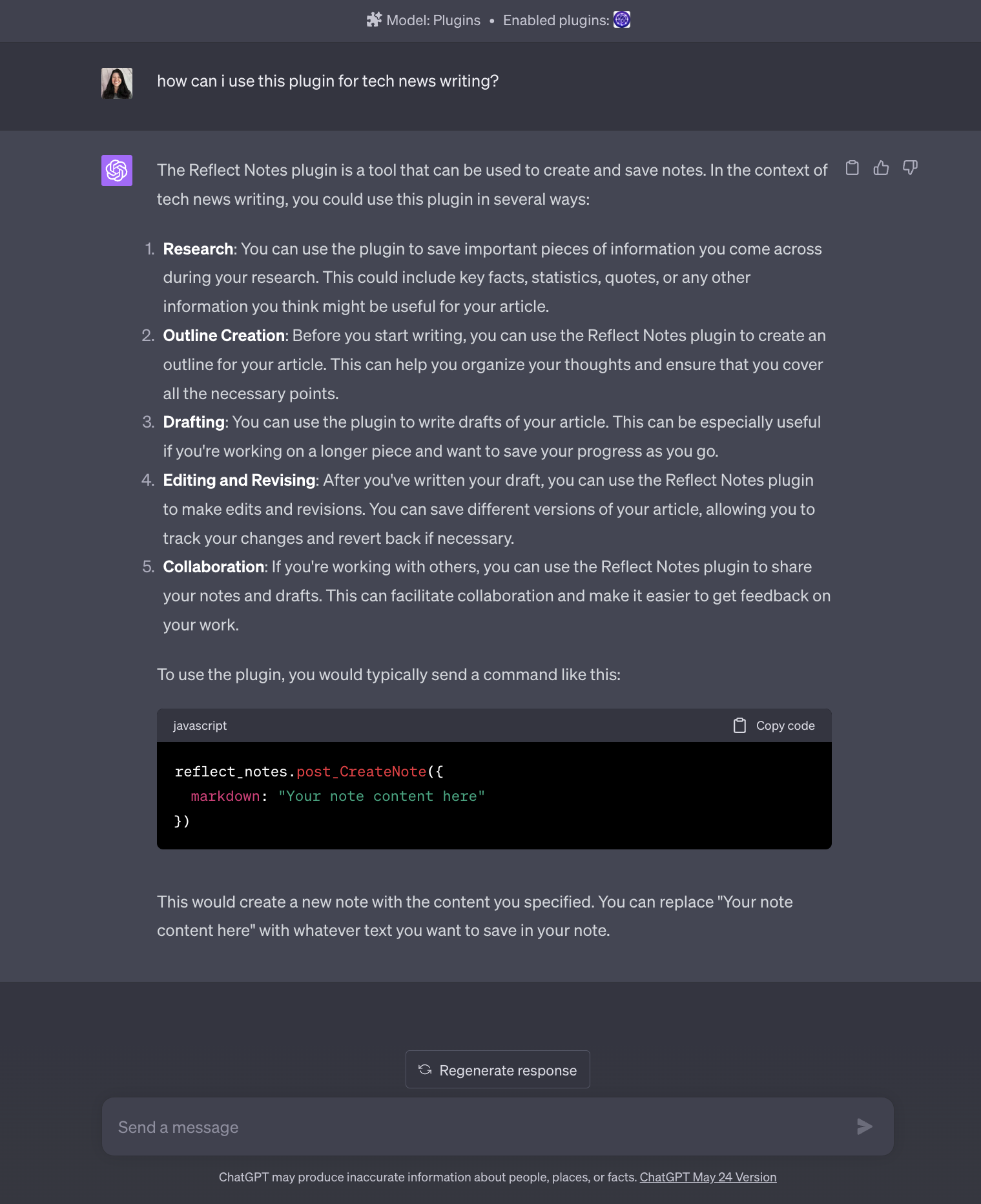 Screenshot from ChatGPT, June 2023
Discover the most effective directions
In addition to asking for instructions on how to use the plugin, you can also ask what prompts you should use for the plugin and the task at hand.
In the example below, I switched to the SEO Assistant plugin and asked for the best directions for using it.
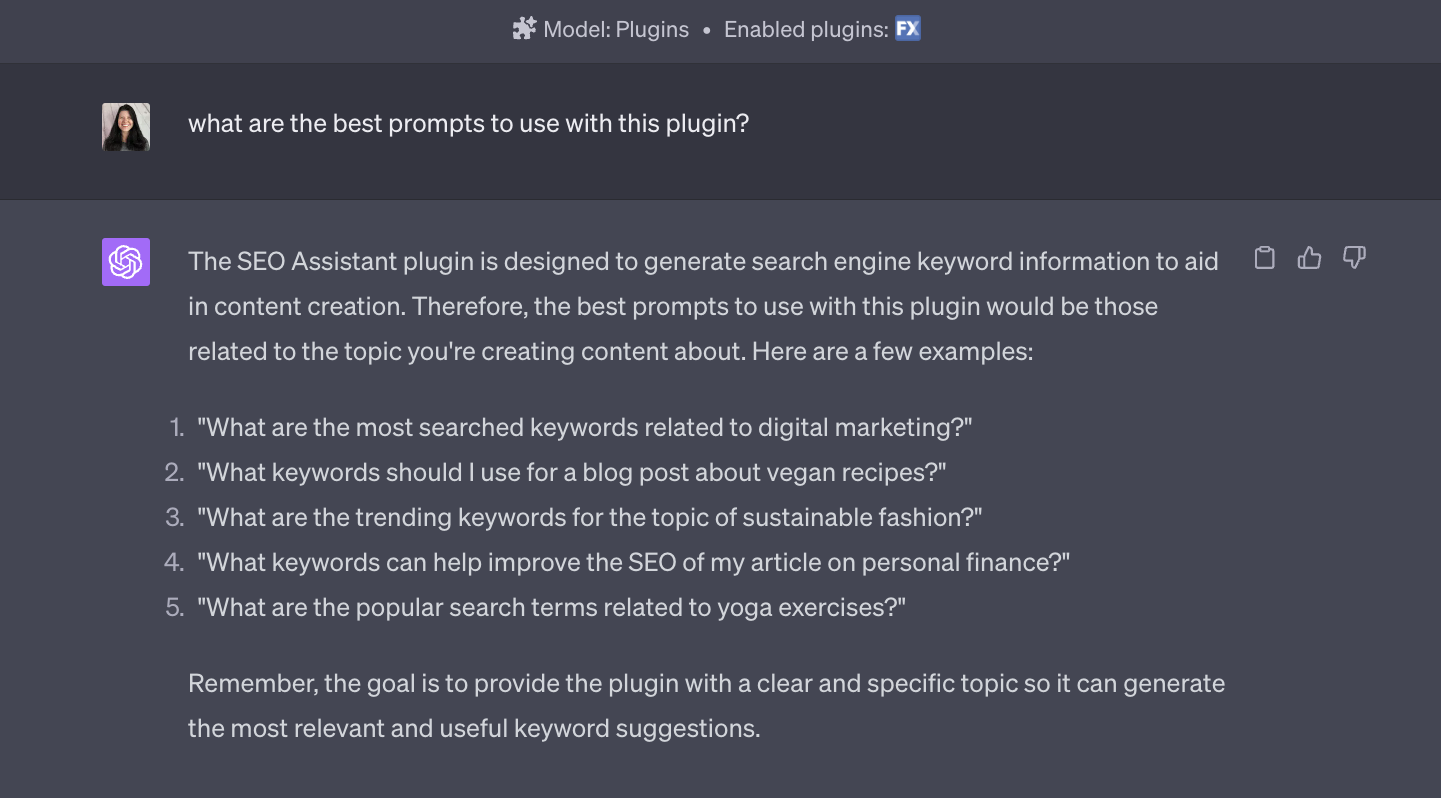 Screenshot from ChatGPT, June 2023
ChatGPT shares the description of the plugin in this case, followed by directions mainly focused on keyword research.
Find out which enabled plugin is best for the task
If you find a few plugins with similar functionality, you can activate up to three of them and ask ChatGPT which one will be best for your task.
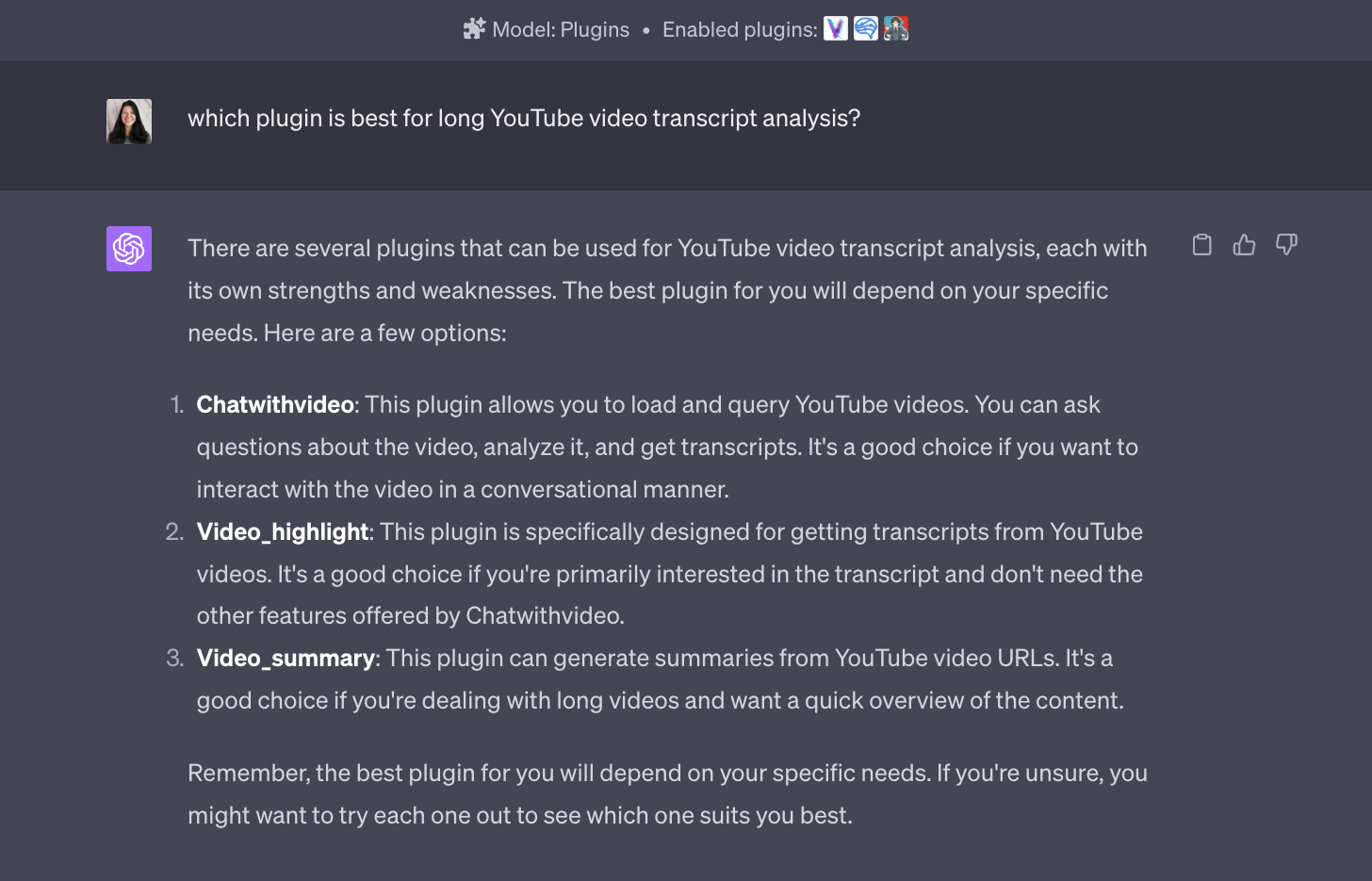 Screenshot from ChatGPT, June 2023
Recognize when ChatGPT is confused
It’s important to know what you’re working with well enough to know when it’s ChatGPT mind blowing or make logical fallacies, such as statements that sound true but are false.
In this example, ChatGPT forget it has plugins and starts creating some that he thinks he should have based on WordPress plugins.
None of the following are ChatGPT plugins.
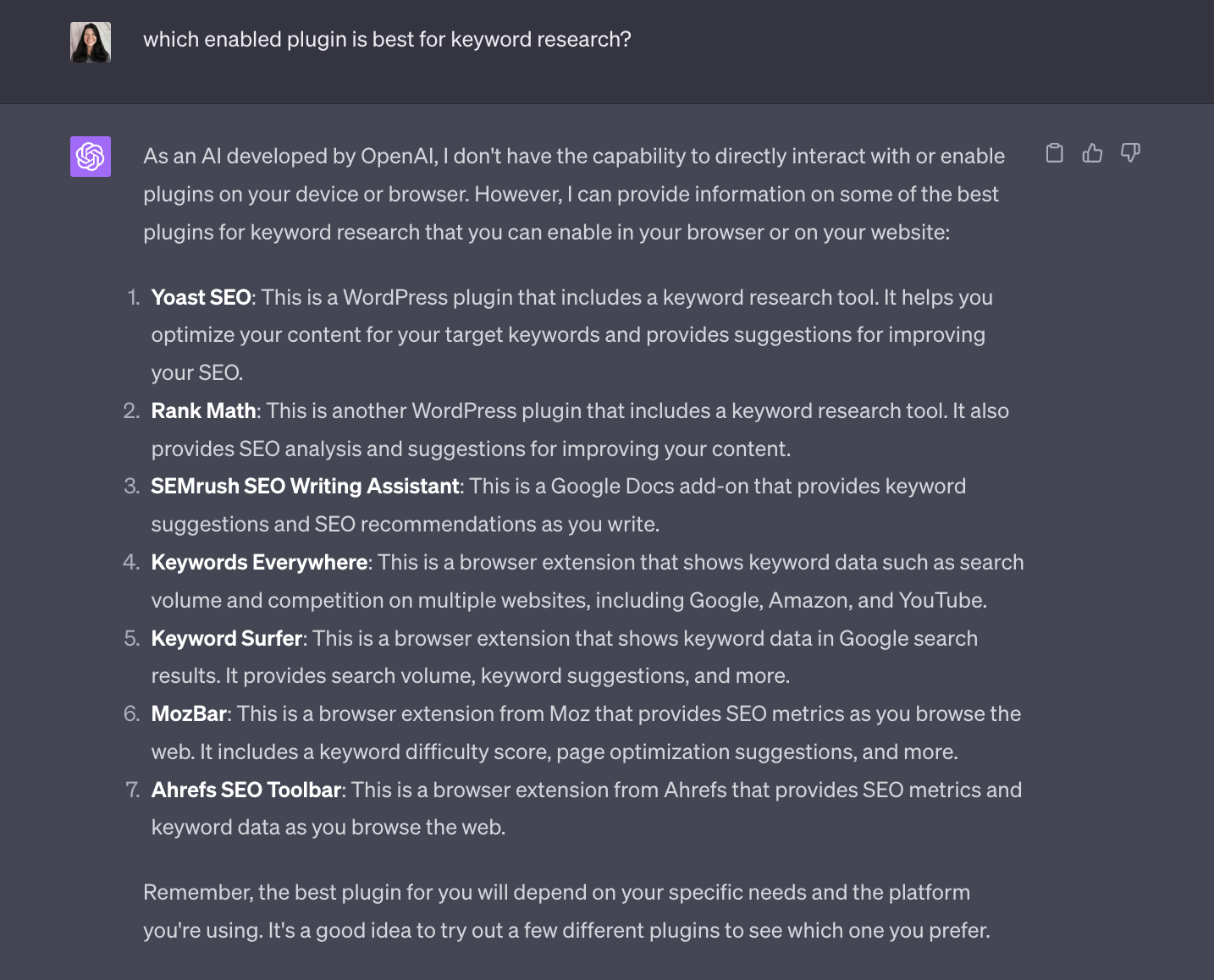 Screenshot from ChatGPT, June 2023
Let ChatGPT experiment to determine the best plugin
When you enable three plugins with similar functionality, ChatGPT will choose the one that best suits your particular request.
In the following example, I request a competition analysis from the OpenAI website. Tested two out of three SEO enabled plugins to create the best response.
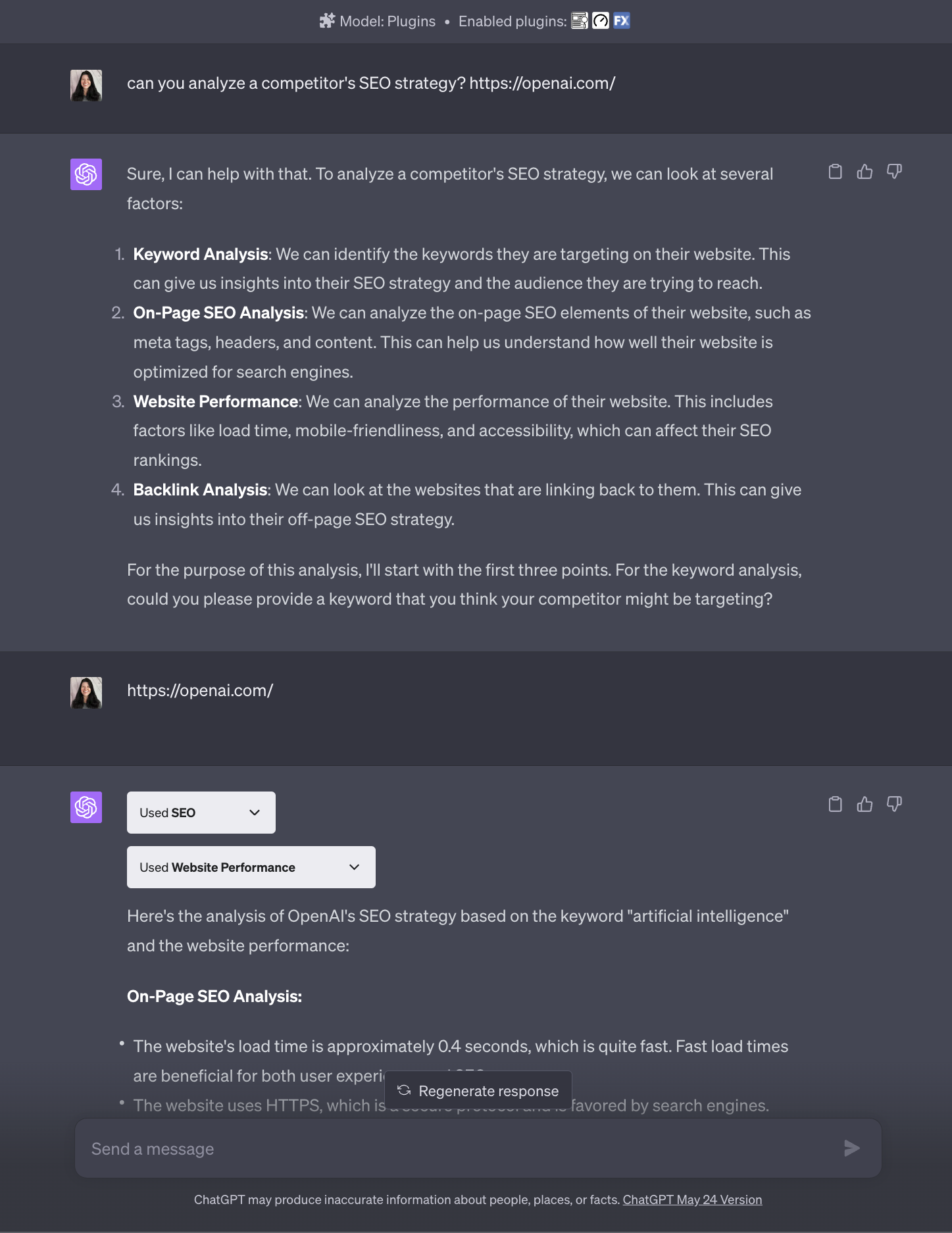 Screenshot from ChatGPT, June 2023
Explore how ChatGPT plugins request a response
How has ChatGPT received its response to your contribution?
With plugins, you can sometimes find this out by expanding the dropdown while the plugin is working to fulfill your request.
In this example, VoxScript used the DuckDuckGo search results to find the answer to my question, but eventually failed after two attempts.
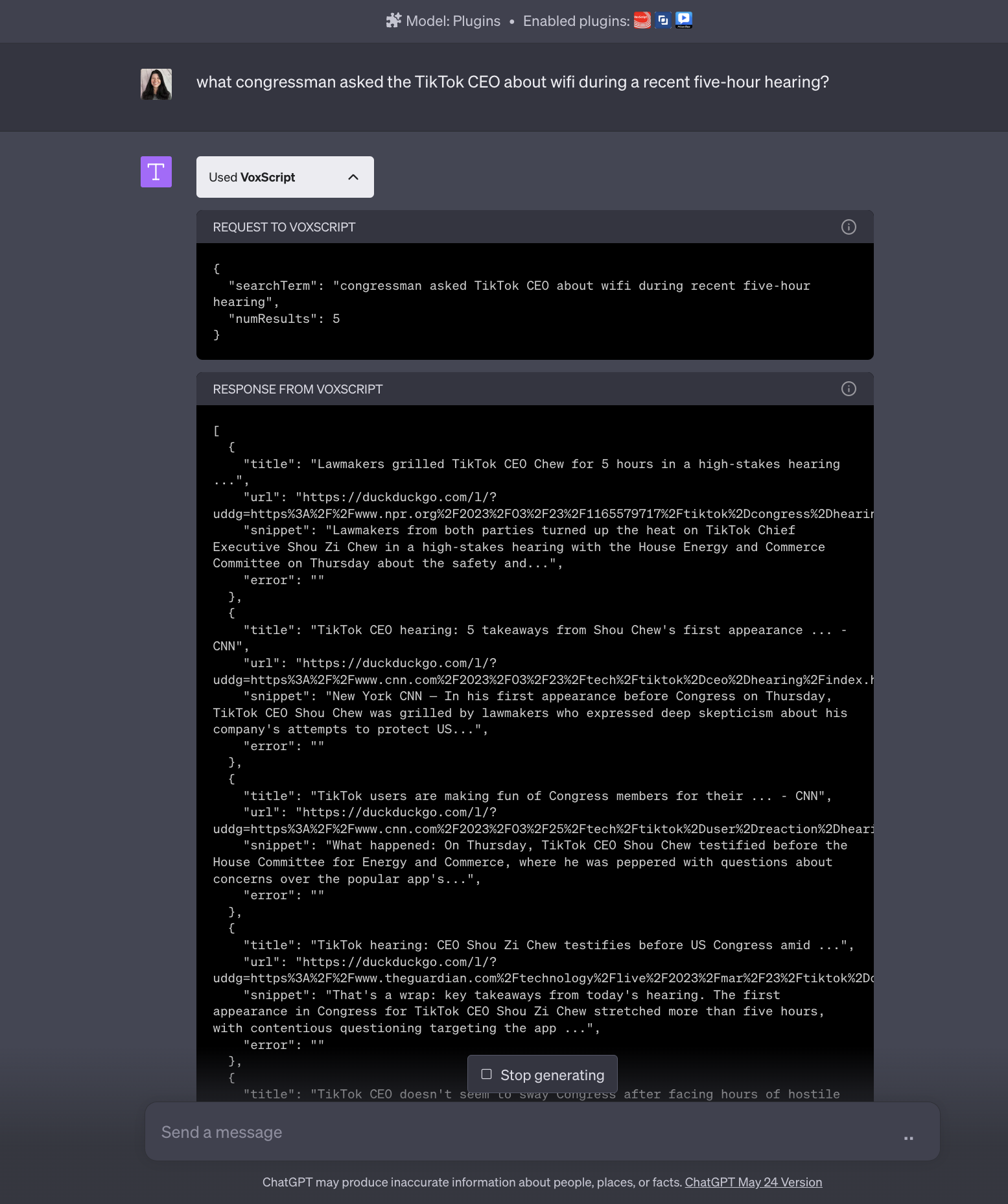 Screenshot from ChatGPT, June 2023
Reformulate your request
Interestingly, the plugin used in the example above answered a similar question in a previous chat using different sources of DuckDuckGo search results.
It’s an essential reminder that you may need to do this rephrase your request to ChatGPT and any enabled plugin more than once to get the information you want.
Making even the slightest alteration to your message can be the determining factor in receiving a valuable response instead of an inaccurate, incomplete or useless one.
Use ChatGPT plugins on iPhone or Android
Unfortunately, ChatGPT plugins are not yet available in the official iOS app. But you can access ChatGPT plugins using a mobile browser, such as Google Chrome, from within the app or the Play Store.
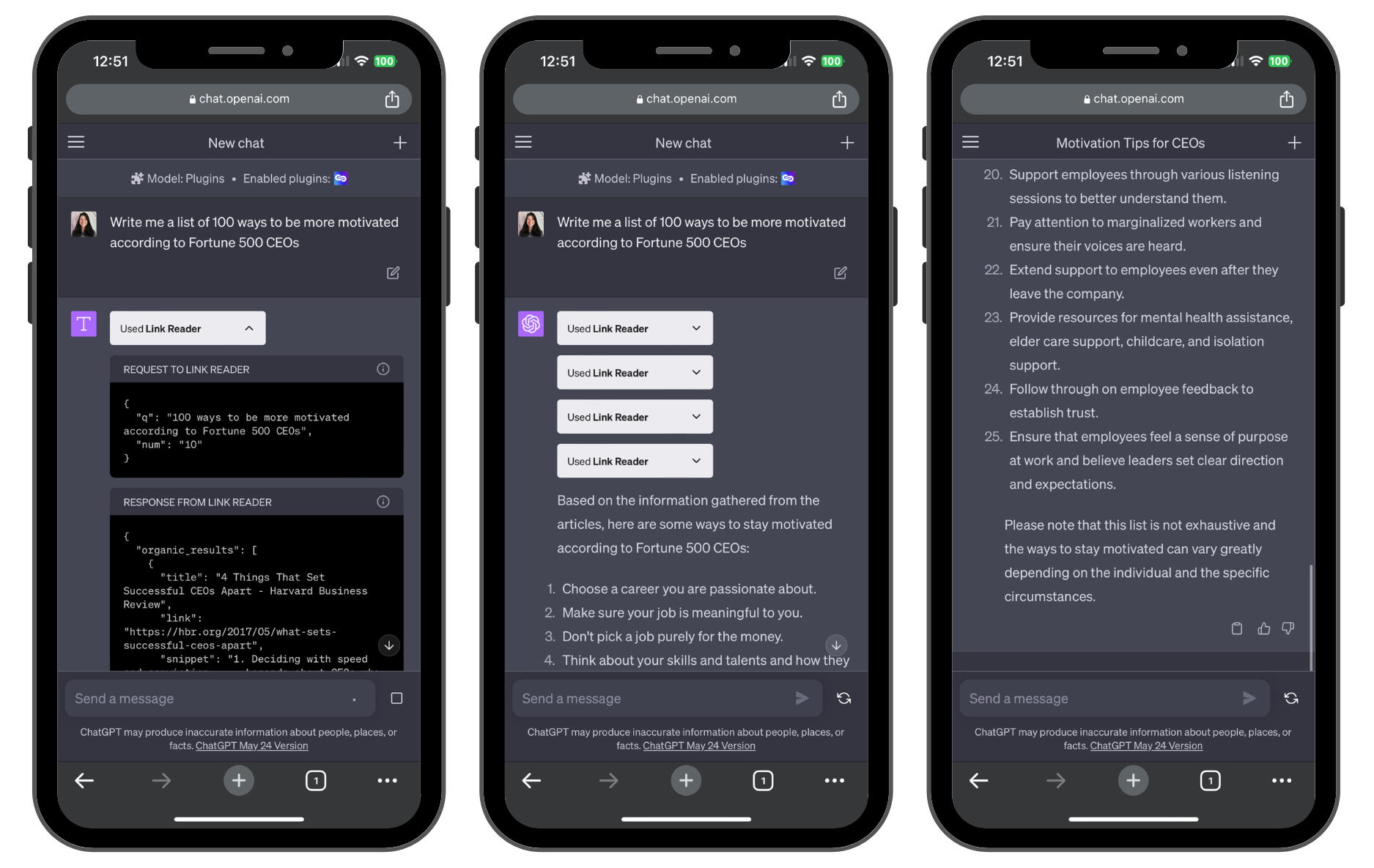 Screenshot from ChatGPT, June 2023
As shown in the example above, using the Link Reader application to browse the web, a long list of motivational tips requires an additional prompt to complete the list with the correct number of items and sources for each tip.
Impressive performance with room for improvement
The ChatGPT Plugin Store offers many options to enrich ChatGPT’s capabilities, especially for ChatGPT Plus subscribers.
With more than 550 plugins available, users can enhance their ChatGPT experience by installing and using them efficiently.
However, due to the current limitations of the search function within the store, users are encouraged to conduct additional research and rely on external sources for information about plug-in functionality and security.
Once installed, ChatGPT may sometimes guide users on the effective use of plugins, including providing directions and suggestions on how to use the plugin for specific tasks.
However, occasional bugs may occur because these features are still in beta.
Although mobile app support is still in development, mobile browsers provide an alternative way to use ChatGPT plugins on multiple devices.
Users are encouraged to explore and experiment with different plugins to enable ChatGPT to search the web and produce valuable and accurate responses.
Featured image: Ascannio/Shutterstock
[ad_2]
Source link





