


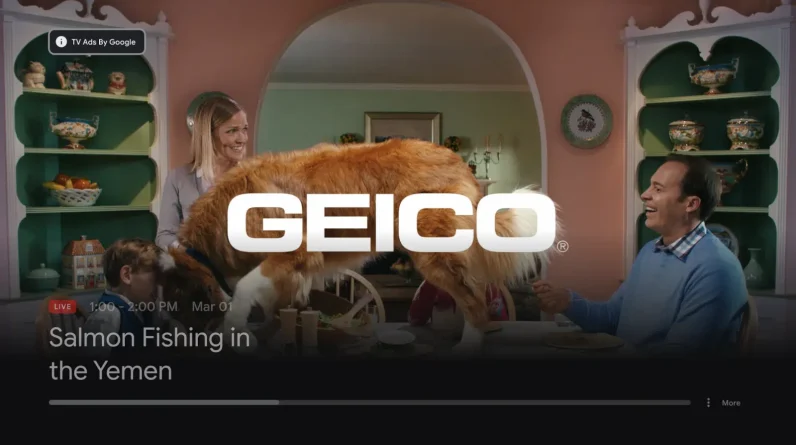
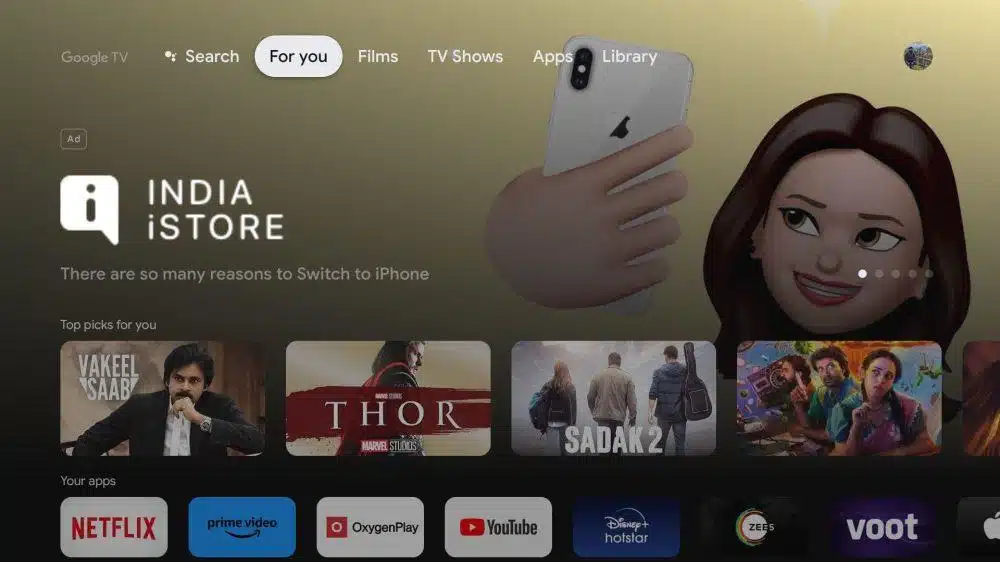
Google Ads recently introduced the ability to buy Google TV inventory programmatically. This new connected TV (CTV) placement allows advertisers to extend their video advertising into the living room alongside existing options like YouTube TV.
This article explains how Google TV differs from YouTube TV, the implications of this addition for media buyers, and recommendations for optimizing campaigns taking advantage of this emerging ad placement.
Google TV: The next stage of video advertising
The expansion of Google Ads video advertising through YouTube has been remarkably innovative. From the long-awaited introduction of short ads to creative in-feed ad placements, the expansion has been an incredible learning experience for advertisers.
The growth has not stopped. The newest ad placement to arrive, Google TV, is now available through the Google Ads UI, not relegated to users with access to Google Display & Video 360 (DV360) and its buying platform of programmatic videos.
The implementation of advertising on Google TV is different from YouTube TV:
YouTube TV acts as a subscription streaming service, offering over 100 live TV channels from popular broadcast and cable networks. It focuses on television but offers on-demand content and original programming. Google TV acts as a smart TV experience similar to Apple TV, which can come pre-installed or downloaded on smart TVs. Google TV serves as a platform for other CTV content providers, such as Peacock, Tubi and others, offering a large selection of movies and TV shows that users can rent or buy.
Google TV and YouTube TV: How are they different?
availability
While some consider the two products similar, there are significant differences as YouTube TV is available everywhere, while Google TV is not.
Google TV can only be accessed by:
the web Google Play Movies. YouTube. The Google TV app via Android. Google TV Smart TVs. Chromecast with Google TV sticks.
Instead, YouTube TV is available on:
Most smart TVs. Xbox and PlayStation consoles. Amazon Fire TV Stick. Chromecast Roku. iPhones and iPads. Android smartphones and tablets.
Prices
YouTube TV has a minimum cost of $64.99, with any additional premium channels added for $5-$15. Google TV movies start around $5 and go up depending on whether you choose to rent or buy, with TV episodes averaging $3 each, while content must be purchased or unlocked via a service
Analysis of the Google TV opportunity
The addition of Google TV inventory to the Google Ads Video placement pool signals a push for new upper-funnel acquisition after a heavy focus on funnel activities with Performance Max and Demand Gen.
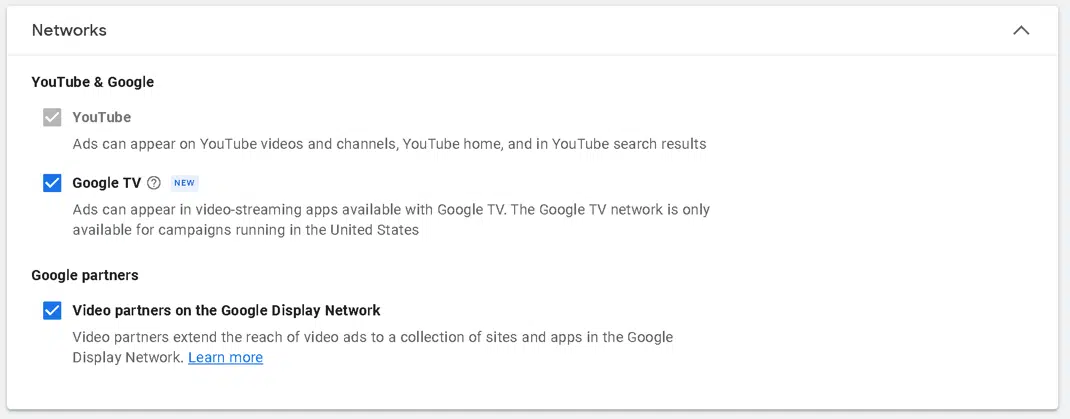
To work on Google TV, you must pair this location with YouTube, but retain the ability to exclude the viewing network. In most cases, we try to do this to limit impressions outside of the premium environment of YouTube and Google TV.
Google TV requires a 15-second non-skippable ad, so it’s a must-have to get impressions through CTV. This is important if you are looking for TV prints; we’ve noticed that the shorter the ad, the better it is for reaching users on the big screen.
Device targeting also offers a great opportunity to increase impression volume on the biggest screen in the home. However, in our limited testing, we’re still seeing more impressions via YouTube and YouTube TV on TV compared to minimal impressions on Google TV initially.
As we see more impressions from Google TV, we’ll begin to analyze location reports and hopefully also receive key demographics and engagement metrics (such as views earned, subscribers and playlist additions), which will be crucial data for campaigns and brands. .
CTV programmatic buying is not new to our industry. However, considering it within the context of Google Ads, this inventory was normally closed.
As the platform opens its doors to all advertisers, I think we’ll see a similar rollout to what we saw with the Google Display Network, where Google TV will primarily host residual and premium inventory from multiple providers.
The Google TV announcement also precedes some key video news from the platform, with Amazon and others adding ads to their video platforms. With more CTV players entering the market, there is a huge arbitrage opportunity with Google Ads leading the way, given the number of advertisers ready and waiting to buy OTT placements programmatically.
The big difference, and always the differentiator of Google Ads, is the ability to target and inform. With the ability to leverage Alphabet’s dataset (Google Search, Google Analytics, YouTube, Android and Gmail) combined with non-skippable ads at home, we believe the Google Ads platform is a game changer relevant interest and money.
Get the daily search newsletter marketers trust.
Optimizing Google TV campaigns
When advertising on Google TV (YouTube), I have always prioritized two optimizations as the most important:
Target early/often
On the Google Ads platform, you can precisely target your audience immediately thanks to its worldwide scalability and YouTube’s penetration across all demographics.
For Google TV, we’ve seen reduced inventory when segmenting, so we recommend capturing as much Google TV inventory as possible.
It’s a good idea to segment some of your audience, but not hyper-segment, as we’ve found that this results in a disproportionately high amount of YouTube inventory compared to Google TV.
Variation and iteration
It’s essential to have several videos to test and always try to introduce a variation in the first 5-15 seconds, as everyone starts the video, but not everyone finishes it.
Due to the limitation of only serving 15-second non-skippable ads, we recommend testing three different versions to potentially protect more Google TV inventory on YouTube. This approach has been effective in some, but not all, cases during our short testing period.
Understand the pros and cons
Implications for advertisers regarding a new placement like this include pros and cons.
Pros
First mover advantage: Advertisers who act first on new ads, placements and targeting often benefit from lower costs and better performance.
Buy OTT/CTV programmatic within Google Ads: This provides ease of use and saves time.
Comparison of locations: This allows you to compare engagement, web and conversion performance against other video, display and search placements.
Multiple placement approach: Leveraging skippable, short and in-feed CPV ads in combination with non-skippable CTV ads provides a complete campaign approach within a single ad platform .
perspicacity: Understanding how users interact via TV versus mobile, desktop and tablet can lead to a deeper understanding of audience differences in terms of demographics, locations and targeting.
Cons
Segmentation: It is impossible to target exclusively on Google TV; must be at least merged with YouTube.
Inventory restrictions/prints: Similar to most new products, limited inventory has been observed in early trials. This limitation could also suggest limitations on remaining inventory with premium placements obtained on DV360 or direct purchases from CTV platforms (ie Peacock and Tubi).
Campaign subtype: Currently, only “Can’t be skipped” and “Efficient reach” are the sub-campaign types available for targeting on Google TV. This limitation prevents the use of conversion campaigns, which are designed to target users who are more likely to convert rather than users who are more likely to view, interact, or exhibit more important user behaviors.

Capitalization of Google TV inventory
All advertising platforms continue to grow, but from 2023 to 2024, Google Ads, specifically within video, has progressed like no other. We will continue to see growth as purchases, creators, and user engagement/interaction on the platform become more seamless and integrated.
I believe that Google TV will be the gateway for many small and mid-sized advertisers to access the big screen without minimal spend or the need to contact/purchase directly with an agency or supplier.
For media buyers, we have another tool to create what I believe is the most important attribute of any successful brand: the halo effect. This effect occurs when an impression in one area (Google TV) can lead to an action (such as a search, website visit, download, or purchase) in a completely different area.
The views expressed in this article are those of the guest author and not necessarily Search Engine Land. Staff authors are listed here.
[ad_2]
Source link





